Knowledge to play.
Instructions without guessing.
Get to know the PixelHost panel, manage your services and build your Minecraft or VPS project. Choose a topic or search for clear, step-by-step instructions.

What do you want to run today?
Client panel, Minecraft and VPS guides in one place — choose a topic or search for what you need.
31 Guides
PixelHost Guides
From first login to file management. Select the to-do you want to do.
 A NEW GUIDELINE
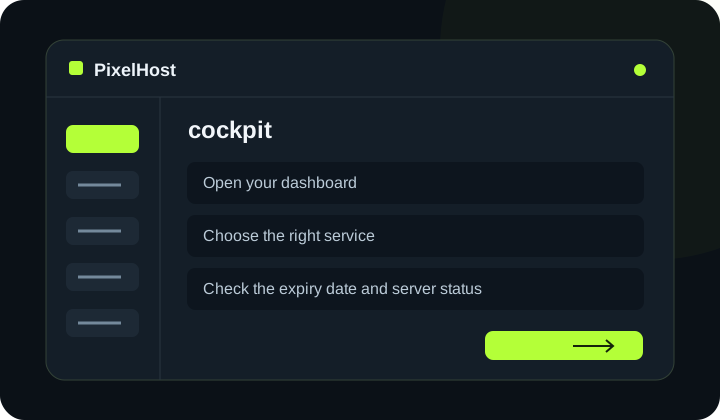
Getting started with the PixelHost panel
Find your services, check their expiry dates and open your server's management page.
Read the guide ↗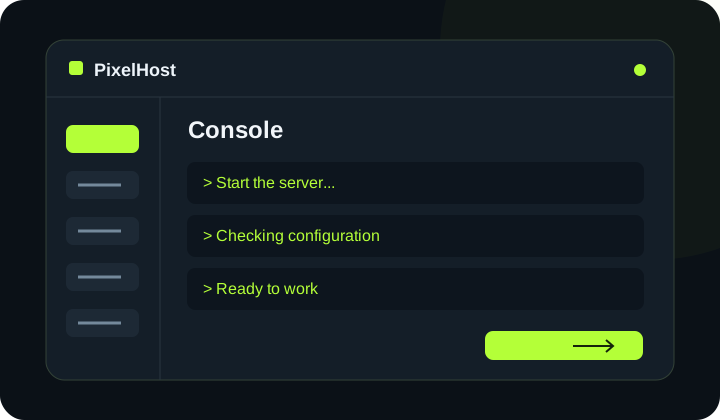 A NEW GUIDELINE
How to start your server and use the console
Start Minecraft, read the logs and send commands without joining the game.
Read the guide ↗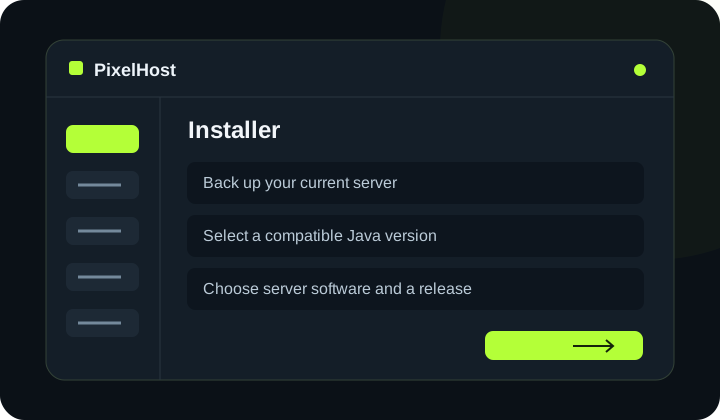 A NEW GUIDELINE
How to change Minecraft server software and Java version
Choose your Minecraft server software, select a compatible Java version and check the first startup safely.
Read the guide ↗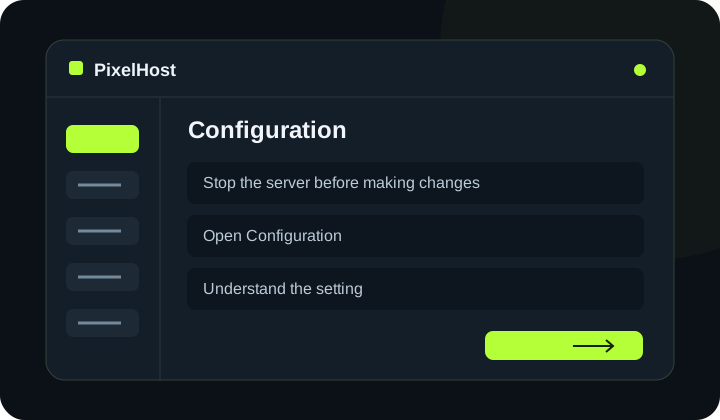 A NEW GUIDELINE
How to change your Minecraft server settings
Change game settings in the Configuration tab, save them and check the result after startup.
Read the guide ↗ A NEW GUIDELINE
WebFTP: upload and edit server files
Upload a plugin, edit configuration files and refresh the file list without a separate FTP application.
Read the guide ↗ A NEW GUIDELINE
How to create and restore a Minecraft backup
Protect your files before making changes, and choose the right backup when restoring data.
Read the guide ↗ A NEW GUIDELINE
How to top up your account and renew a server
Check your balance, complete the payment and confirm that the selected service has been renewed.
Read the guide ↗ A NEW GUIDELINE
How to open the VPS console in the client panel
Connect to your VPS screen in the browser and see what is happening in the operating system.
Read the guide ↗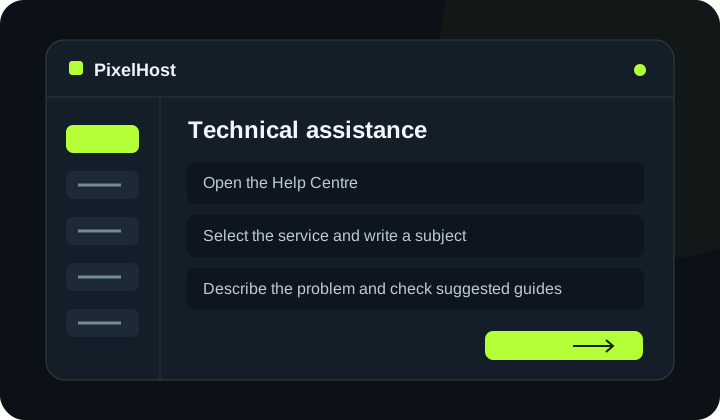 A NEW GUIDELINE
How to contact PixelHost support
Choose the affected service, describe the problem and keep the conversation in one support ticket.
Read the guide ↗Minecraft and VPS
Engines, plugins, worlds, and system administration.
 MINECRAFT · START
How to create a Minecraft server
Plan your game mode, select your engine and run your own server for friends or community.
Read the guide ↗ MINECRAFT · PLUGINS
How to install Minecraft plugins
Check engine compatibility, upload the plugin file and test it safely on the server.
Read the guide ↗ MINECRAFT · SELECTION
How to choose Minecraft hosting
Compare RAM, processor, disk, location and panel. Select the package to the server type.
Read the guide ↗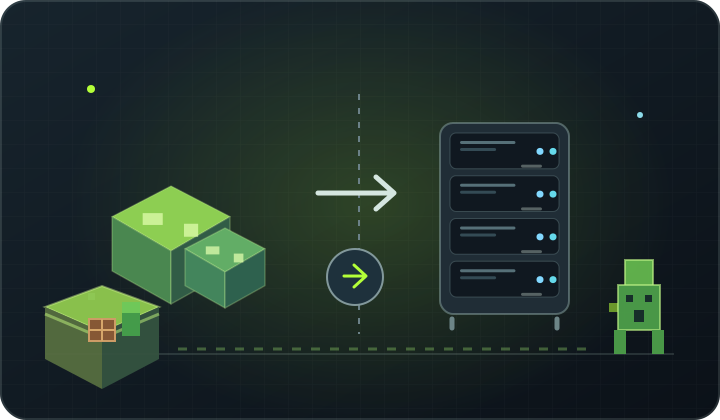 MINECRAFT · COMPARISON
VPS vs Minecraft hosting: which should you choose?
See the differences between the finished game panel and the server with its own root system and access.
Read the guide ↗ MINECRAFT · MODPACKI
How to install a modpack on a Minecraft server
Use the server package, match Forge or Fabric and check version and file compatibility.
Read the guide ↗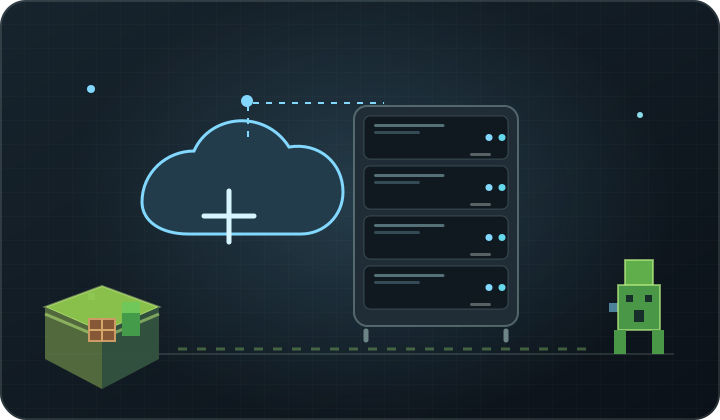 VPS · GROUNDS
What is a VPS and what can you use it for?
Explore the virtual server, your own operating system and examples of services you can run on it.
Read the guide ↗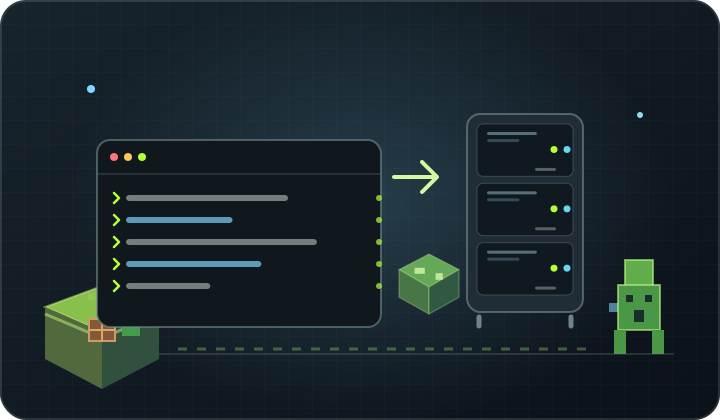 VPS · MINICRAFT
How to install a Minecraft server on a VPS
Prepare Linux, proper Java, server files, startup service and network rules.
Read the guide ↗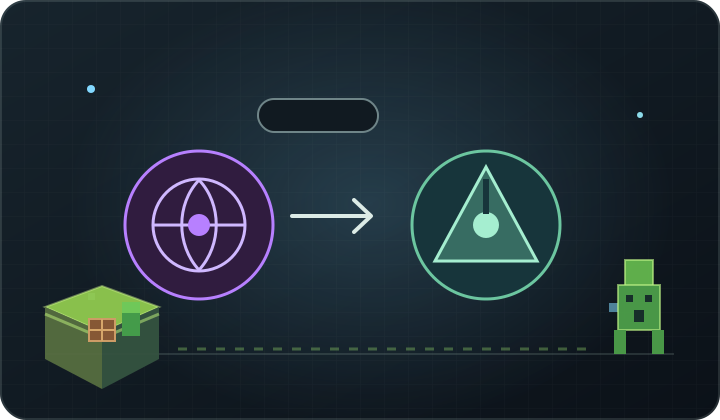 VPS · LINUX
Ubuntu vs Debian: which OS should you choose for a VPS?
Compare popular distributions and decide which one will be more convenient to your project.
Read the guide ↗ VPS · SECURITY
How do I secure the VPS server?
Start by updating, limiting SSH, firewalls, backup and controlling running services.
Read the guide ↗ VPS · COMPARISON
VPS vs web hosting: which should you choose?
Select the service to the website, store or application and evaluate how much administration you want to perform on your own.
Read the guide ↗ A NEW GUIDELINE
How to move your Minecraft world to hosting
Stop the server, download the complete world and configure and then check the correct import record.
Read the guide ↗ A NEW GUIDELINE
How to back up a Minecraft server
Protect the world, configuration and accessories from updating, migration or experiment.
Read the guide ↗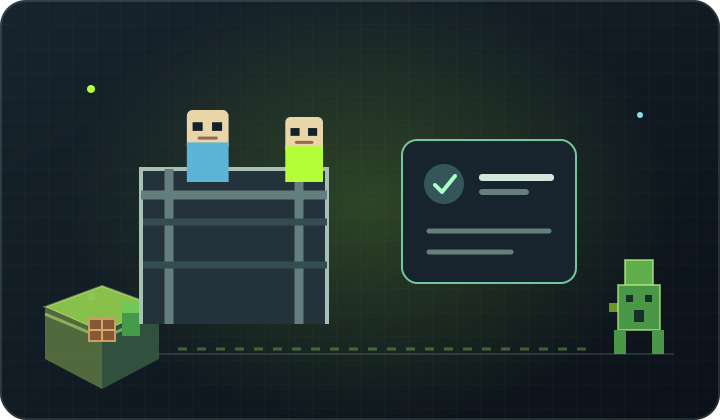 A NEW GUIDELINE
How to enable the Minecraft server whitelist
Restrict entry to selected players and learn the safe way to manage the list.
Read the guide ↗ A NEW GUIDELINE
How to configure server.properties
Explore the world's most important name settings, Whitelist, game mode and server visibility.
Read the guide ↗ A NEW GUIDELINE
Minecraft lag and low TPS: how to find the cause
Separate the ping problem from overloading the server and diagnose it one by one instead of guessing.
Read the guide ↗ A NEW GUIDELINE
Minecraft plugins vs mods: what's the difference?
Explore the use of server add-ons and mods to change gameplay on the player side.
Read the guide ↗ A NEW GUIDELINE
How much RAM does a Minecraft server need?
Estimate memory based on engine, modpack, players, and the world — not the slot limit.
Read the guide ↗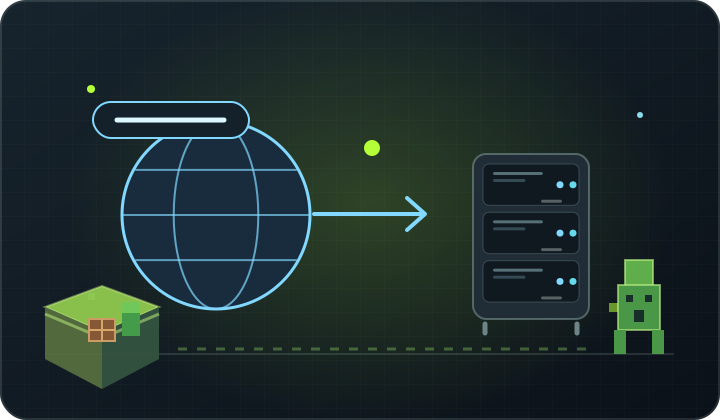 A NEW GUIDELINE
How to connect a domain to your Minecraft server
Use the DNS record matching the address and port, then check the change propagation.
Read the guide ↗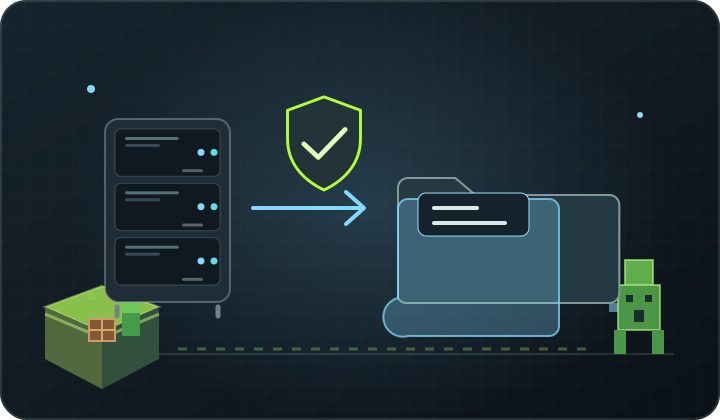 A NEW GUIDELINE
How do I plan to back up VPS?
Decide what to backup, where to store backup and how to test playback regularly.
Read the guide ↗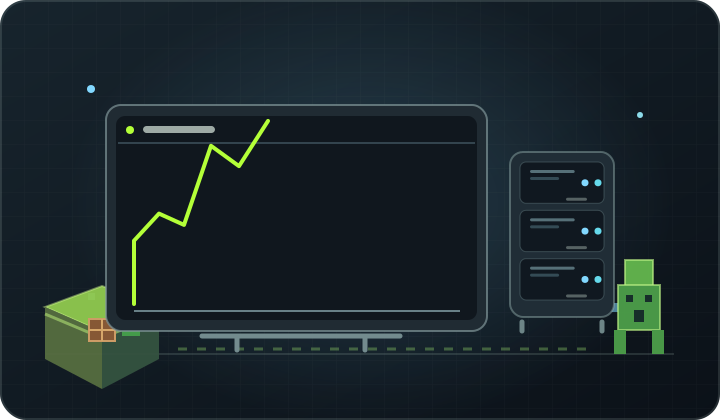 A NEW GUIDELINE
How to check VPS resource usage
Recognize memory loss, high CPU usage, full disk and overloaded service.
Read the guide ↗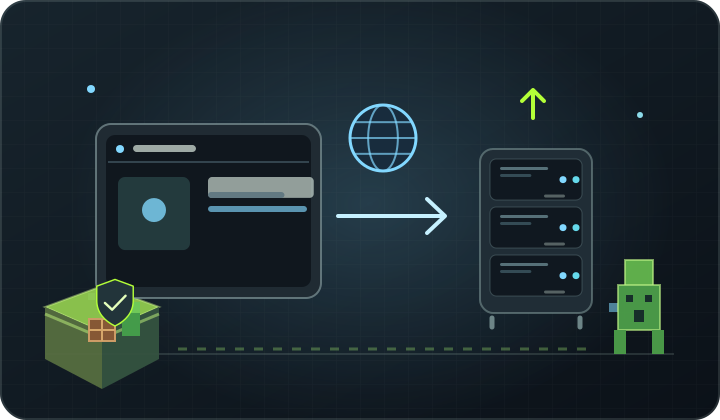 A NEW GUIDELINE
How to set up a VPS for a website
Plan the system, web server, domain, HTTPS, updates and backup before publishing the project.
Read the guide ↗ A NEW GUIDELINE
How to choose Minecraft plugins safely
Evaluate the source, compatibility and permissions of the addendum before you give it access to the server.
Read the guide ↗There is no guide for this phrase. Change the search or Write to us.
Select a service to plan.
Ready for Minecraft or VPS with your own system? See the differences and choose the solution for the project.
Questions about textbooks.
Which guide should I start with?
If you are just creating a world with a team, start with the instructions to run the Minecraft server. If you are planning your own applications or services, start by explaining VPS.
Are the textbooks for beginners?
Yes. Here you will find instructions from the ground up Minecraft server and support plugins for VPS, Linux configuration, domain and backup. Each guide describes the next steps with a simple language.
I didn’t find the answer — What to do?
Write to PixelHost team or create a support technical ticket in the panel. Describe what you want to run and at which stage the problem arose.