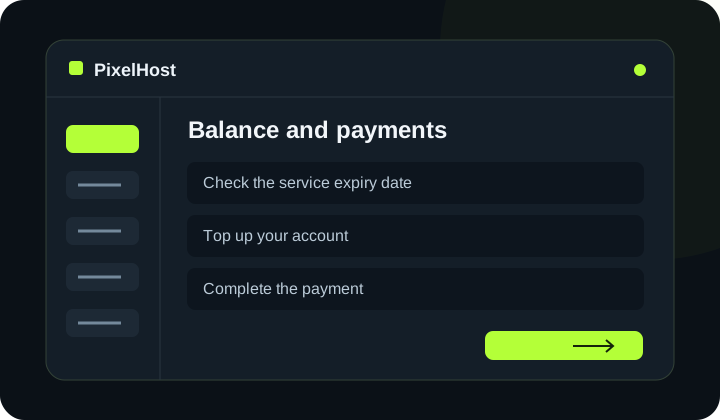
At a glance Check your balance, complete the payment and confirm that the selected service has been renewed.
1. Check the service expiry date
Open the service and check its paid-until date. Avoid leaving renewal until the last moment. The balance in the header is your account credit, not a new server expiry date.
2. Top up your account
Select Top up account (Doładuj konto) in the menu. Choose the payment method and amount, then check the summary. For SMS payments, distinguish the message cost from the amount credited to your balance.
3. Complete the payment
Continue to the payment provider and follow its instructions. Check your balance when you return. If the payment has not been credited yet, keep the confirmation and avoid immediately repeating the same payment.
4. Renew the selected server
In the Minecraft panel, use Renew service (Przedłużenie ważności) or Server options → Renew server (Opcje serwera → Przedłuż serwer). Select the period and check both the server cost and optional extras. Confirm only after checking the total.
5. Check the new expiry date
After the success message, check the paid-until date in the service details. Topping up your wallet does not automatically renew the service. If something is wrong, provide the service number and payment reference to support, without sharing card details.
Check that your changes have completed.
Wait for confirmation in the panel and check that the change applies to the correct service. If you need help, include the service number and the exact message in your support ticket.
Back to the knowledge base