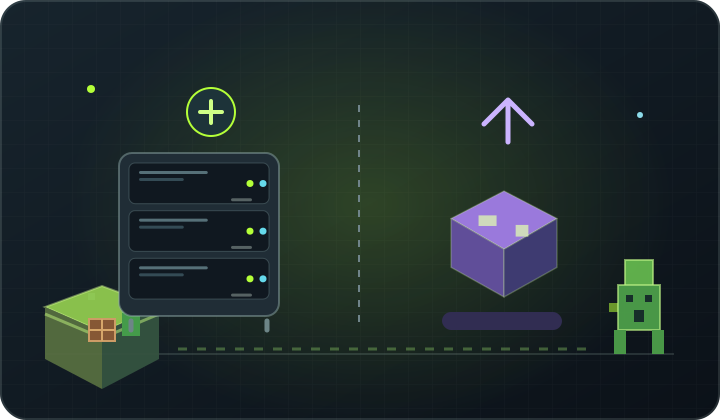
At a glance Explore the use of server add-ons and mods to change gameplay on the player side.
Plugins change server operation
The plugins are usually used on Paper, Purpur or Spigot. They add commands, economy, plot protection, rank, login and tools for administration. Players often do not have to install the same plugin at home.
mods can add new elements game
mods run by Forge or Fabric often add blocks, objects, mobs, mechanics and interfaces. Depending on mods, players may need a corresponding package on their side.
Do not mix incompatible engines
Bukkit plugin is not uploaded to a clean Vanilla, and Forge mods does not become a plug-in by placing it in the plugins folder. There are hybrid solutions, but you need to check their limitations and compatibility.
Select by idea
- Ranks, commands, plots or economy: check the plugins.
- New blocks, recipes and extended mechanics: search for modpack.
- Test the set on a backup before starting and give the players the installation instructions.
Back up first. Change one thing at a time.
Back up your working files, make a change and check the logs. Changing one thing at a time makes it easier to find the cause of a problem and restore your previous settings.
Back to the knowledge base