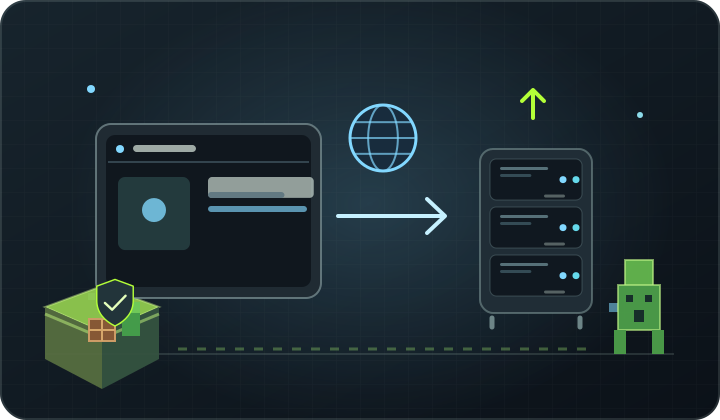
At a glance Plan the system, web server, domain, HTTPS, updates and backup before publishing the project.
1. Check application requirements
Determine the language, runtime version, database and memory count required by the project. Select the supported operating system and prepare a separate account for implementation.
2. Configure Web domain and server
Set DNS domain records to VPS and configure the web server as reverse proxy or host static files. Separate application files from system configuration and do not store passwords in the public page directory.
3. Enable HTTPS and limit ports
Configure the TLS certificate and automatically renew. Firewall should only share the required ports: usually HTTP/HTTPS and limited administrative access. Do not set up a database publicly if the application can connect locally.
4. Implement and update with caution
Test the application before publication and have a plan to return to the previous version. Update the system and dependencies, monitor logs, create external backup and check playback. VPS requires the current administration.
Back up first. Change one thing at a time.
Back up your working files, make a change and check the logs. Changing one thing at a time makes it easier to find the cause of a problem and restore your previous settings.
Back to the knowledge base