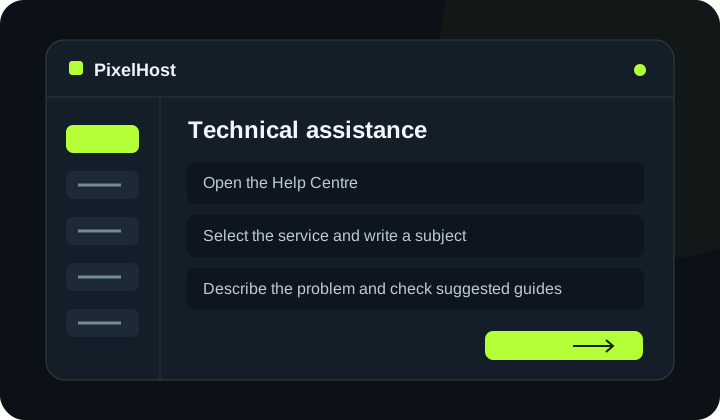
At a glance Choose the affected service, describe the problem and keep the conversation in one support ticket.
1. Open the Help Centre
Choose Technical support (Pomoc techniczna) in the panel menu, then New ticket (Nowe zgłoszenie). If you already have a conversation about the same problem, open the existing ticket instead.
2. Select the service and write a subject
Choose the service affected by the problem. Enter a specific subject, such as 'Minecraft will not start after adding a plugin'. A subject like 'Problem' does not tell the team what to investigate.
3. Describe the problem and check suggested guides
Include the key details in the problem description. If the form suggests a relevant guide, read it before sending your ticket.
- What is not working, and what are you trying to achieve?
- When did the problem start, and what changed before it happened?
- What is the exact error message?
- What have you already tried?
4. Send your ticket
Click Send ticket (Wyślij zgłoszenie) and wait for confirmation. Keep the ticket number. Do not share FTP or SSH passwords, tokens or access keys; selecting the service in the form identifies the affected account.
5. Reply in the same conversation
Open the ticket from the Open (Otwarte) list. Read the team's reply, add details under Your reply (Twoja odpowiedź) and send your message. You can close the ticket once the issue has been resolved.
Check that your changes have completed.
Wait for confirmation in the panel and check that the change applies to the correct service. If you need help, include the service number and the exact message in your support ticket.
Back to the knowledge base